
Image to Song AI
Image to song starts from any image file you have — a design export, a web still, or a creative reference — and returns an original song from that file.
- Upload image
- Set voice & style (optional)
- Generate
Drop image here or click to browse
PNG, JPG, WebP (max. 10MB)
A prompt you would email someone stays on Text to Music. Drop the file on this page.
Examples
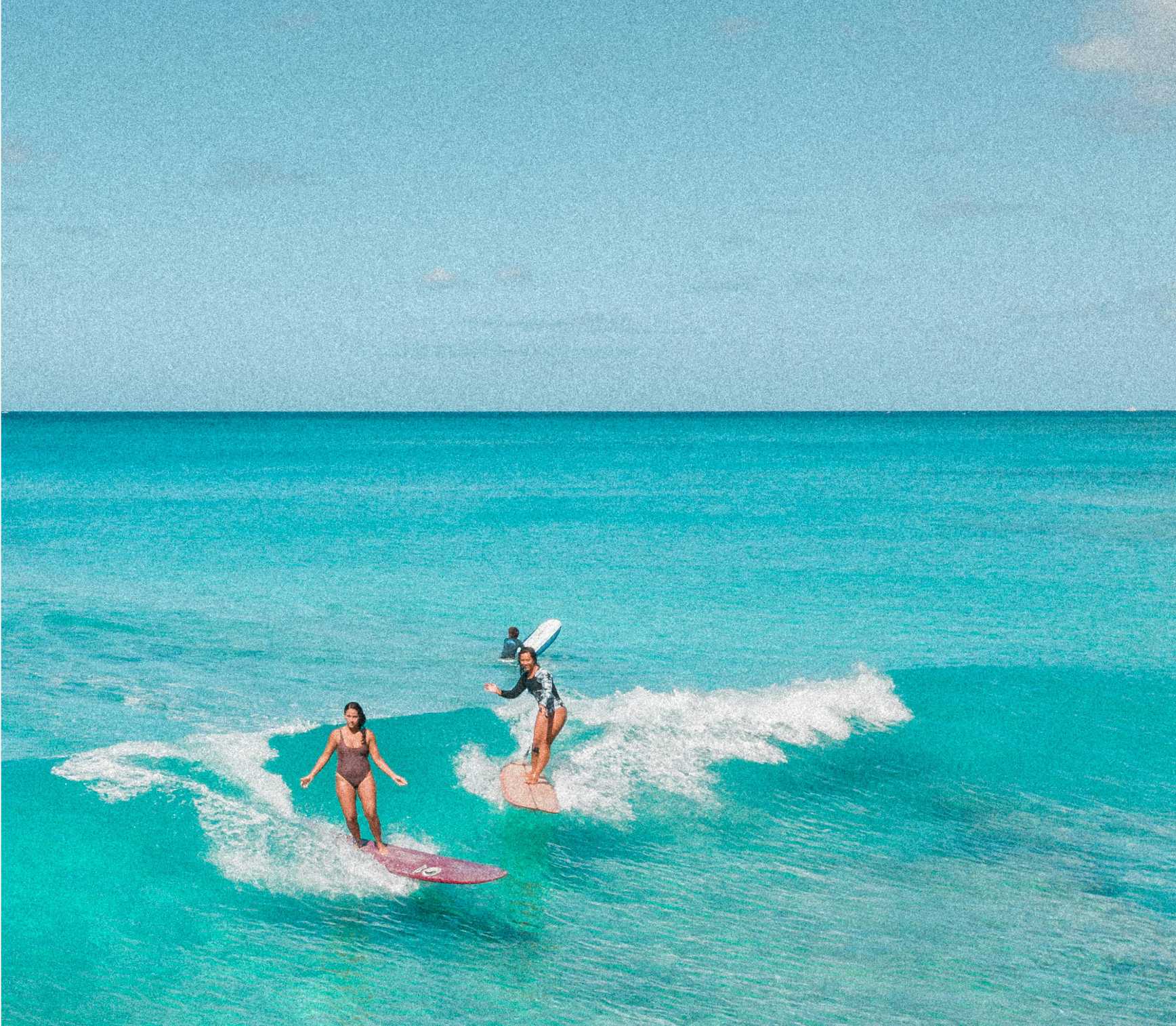
A surf image
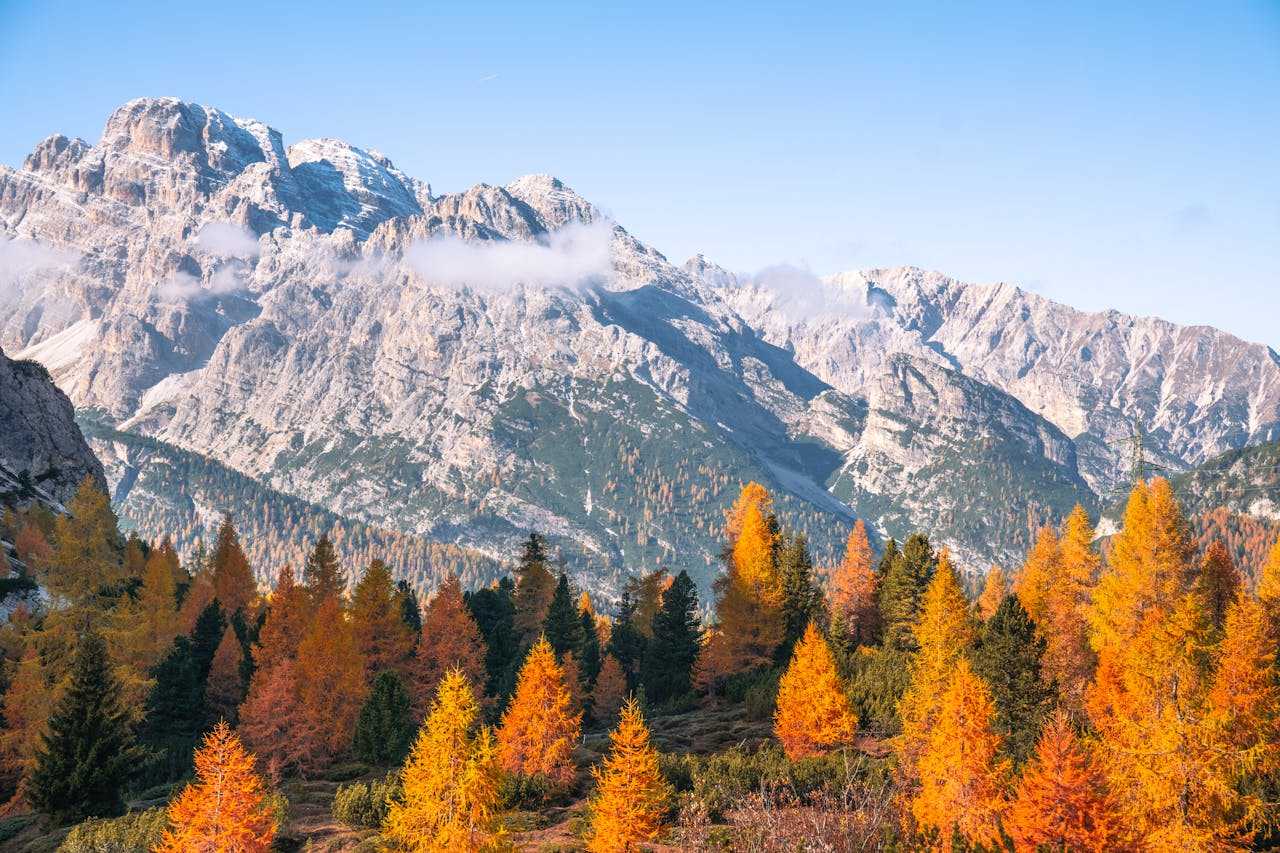
A peak image
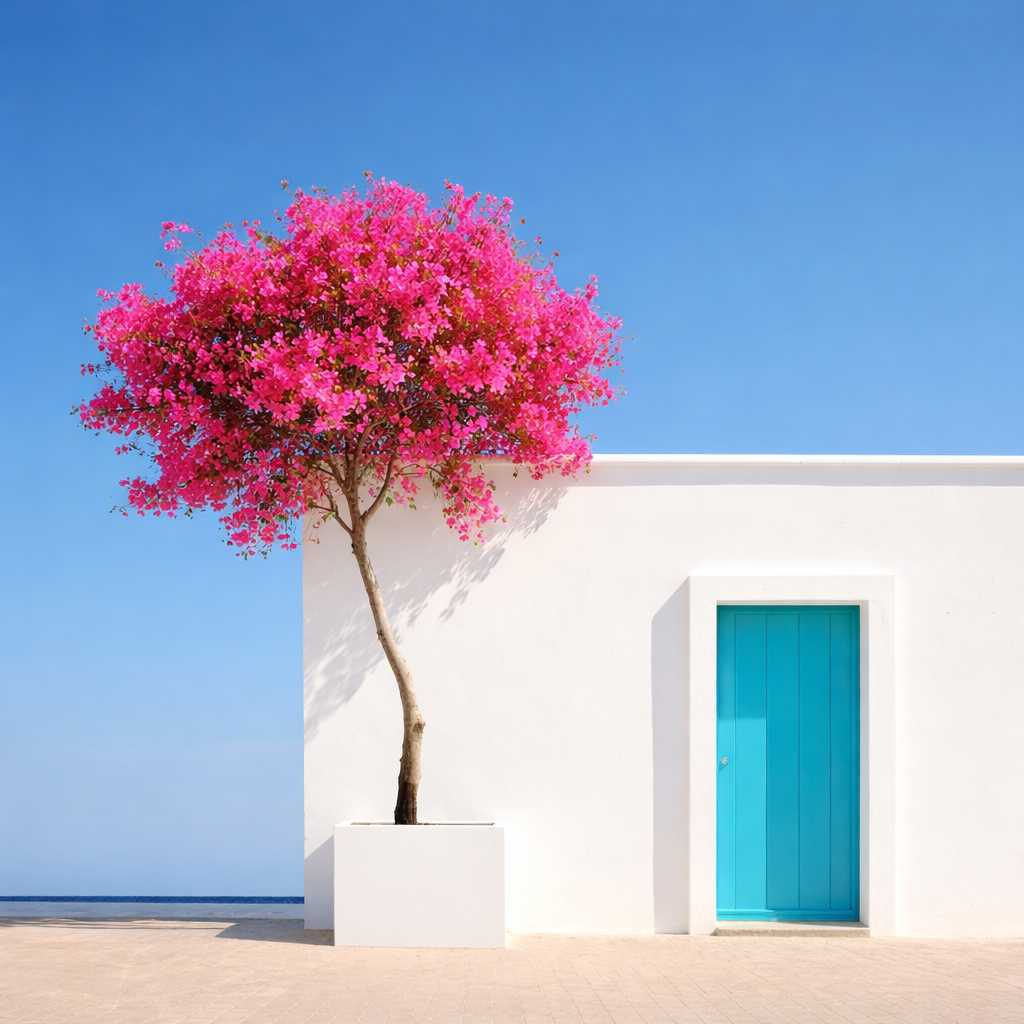
Courtyard image, any still

A still-water image
Why choose Image to Song
The export waits on a person
A Figma PNG or Canva board sits in Downloads until you can book someone to turn it into music
Drop the file yourself. A track comes back from the layout you already finished
A composer for one asset
Hiring a musician for a single design export means a brief, a wait, and a fee that dwarfs the file
Preview on your credits the same day, with nobody else on the calendar
Paying them to run an AI
Even if they only operate a generator for you, you still write the email, wait in their queue, and pay for their time
The export is the brief. You do not hire a middle step
Explaining the board out loud
A freelancer needs you to describe colors and type that are already in the PNG, then sends a draft days later
The file you drop is what the song follows, and it shows as the result cover
The invoice arrives before the listen
You commit money to someone else's process before you have heard a note made from this JPG
Listen with credits first. Keep the MP3 only if it holds next to that asset
| The old way | Image to Song | |
|---|---|---|
| The export waits on a person | A Figma PNG or Canva board sits in Downloads until you can book someone to turn it into music | Drop the file yourself. A track comes back from the layout you already finished |
| A composer for one asset | Hiring a musician for a single design export means a brief, a wait, and a fee that dwarfs the file | Preview on your credits the same day, with nobody else on the calendar |
| Paying them to run an AI | Even if they only operate a generator for you, you still write the email, wait in their queue, and pay for their time | The export is the brief. You do not hire a middle step |
| Explaining the board out loud | A freelancer needs you to describe colors and type that are already in the PNG, then sends a draft days later | The file you drop is what the song follows, and it shows as the result cover |
| The invoice arrives before the listen | You commit money to someone else's process before you have heard a note made from this JPG | Listen with credits first. Keep the MP3 only if it holds next to that asset |
How image to song works
Use the file you already have. Nobody else has to be booked.
Drop the file you have
Design export, downloaded still you may use, or creative reference. PNG, JPG, or WebP up to 10MB — no special conversion first.
The file writes the brief
Scene, colors, and a style direction are read from the export. You do not email that description to anyone.
No hire, no wait
Voice, Style, and Language are optional. Leave them unset when the file is enough — you are not briefing a freelancer.
Listen, then keep it
Play it while looking at the file, then again with the file covered. The upload is the cover. Save the MP3 with your credits if it holds.
When you have an image file and no written brief
File-first path — rights to the file stay with you.
A design export
PNG/JPG from Figma, Canva, or a layout tool when the visual is the brief.
A web still you may use
Saved reference or asset (rights on you) without mood notes attached.
Tight crop vs wide frame
Same moment, cropped or whole, can infer different songs — useful for testing what the model latched onto.
Creative reference packs
Mood or material boards as stills when you need a first song draft for a project, not a typed genre essay.
What is image to song?
Image to song AI is the file-first door on Image to Music: a design export, a web still, or a creative reference goes in, and an original song comes out. You do not wait for someone else to open it. Preview in the browser and download MP3 with your credits. Voice, Style, and Language are optional. No default music video.
How image to song starts from the file
You do not wait for someone else to open the file. A design export, a web still you may use, or a reference board can go in today. The homepage is that same upload.
This door is not the photo door
Photo to music is for shots you took in daylight. Stay here when a Figma export, a Canva board, or a saved reference is the job. You are not asked to sort the file before it can lead. The colors and type are already in the PNG, so you do not spend the afternoon explaining them to someone else. Open the file, listen once beside it and once without looking, and keep it only if the pairing still makes sense for that layout and the colors already in the file. Do not save it until that second listen.
Image-to-song questions
What the AI does on this page, and where pricing lives.
Still have questions? Contact us
Run the image upload
The upload is above. Use the file in hand instead of waiting on someone else.